Opus Clip
AI-powered tool that automatically finds the most engaging moments in long videos and repurposes them into short-form clips for TikTok, Reels, and Shorts.
At a glance
About Opus Clip
Opus Clip analyzes your long-form video content and uses AI to identify the most compelling moments. It automatically generates captions, reformats for vertical video, and scores each clip by virality potential. Used by over 1 million creators.
Key features
- Auto-clip detection
- AI captions with emoji
- Virality score
- Multi-platform export
- Brand kit
Pros
- Best-in-class clip detection
- Fast processing
- Generous free tier
Cons
- Limited manual editing
- Watermark on free plan
Pricing and free tier
- Pricing model
- Freemium
- Starting price
- $9 / mo
- Free tier
- Yes
- Free tier note
- 60 minutes of upload per month free
Best fit
Common use cases
Category fit
Opus Clip alternatives
Looking for similar tools? See the best Opus Clip alternatives →
-

Runway
Runway offers text-to-video, image-to-video, and a full suite of AI video editing tools including background removal, motion tracking, and inpainting.
$15 / mo
-
Canva AI
Canva's AI suite includes Magic Design for thumbnails, AI image generation, background removal, and auto-resize for every platform format.
$15 / mo
-
CapCut
CapCut is a free mobile and desktop video editor with AI-powered features including auto-captions, background removal, and text-to-video.
$8 / mo
-

Topaz Video AI
Topaz Video AI upscales videos up to 16K, removes noise, stabilizes footage, and interpolates frames using local AI models — no subscription required.
$299 / mo
-
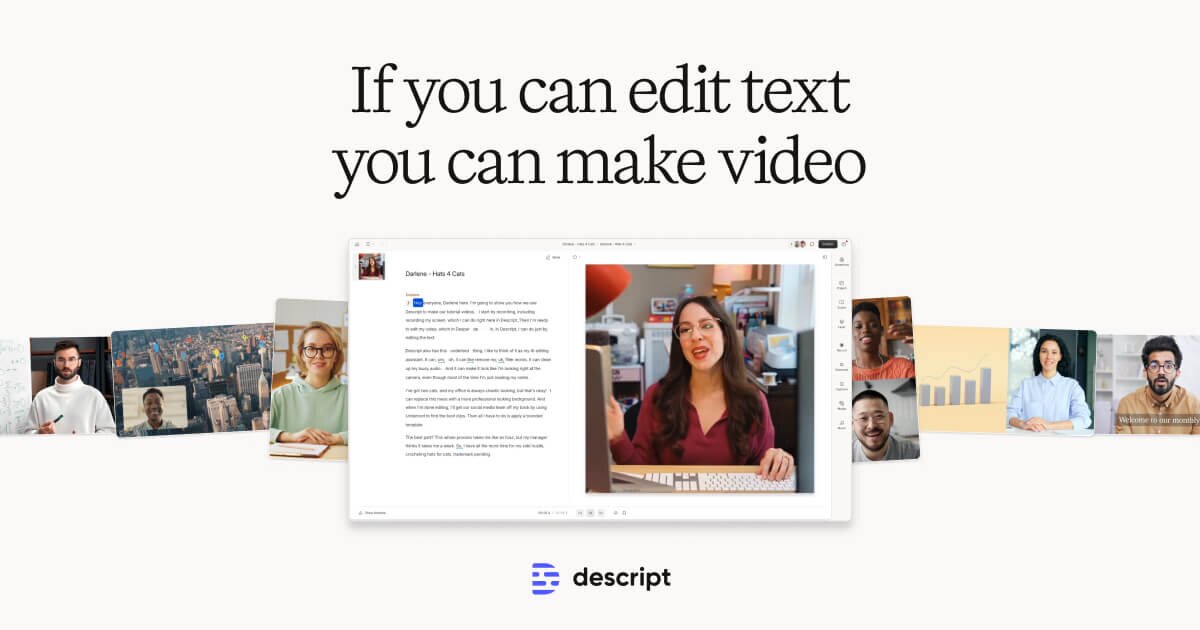
Descript
Descript transcribes your video and lets you edit it like a document — cut, rearrange, and remove filler words just by editing text.
$24 / mo
-

HeyGen
Create AI avatar videos with a digital human presenter, or translate any video into 40+ languages with perfect lip sync.
$29 / mo