Steve.AI
Steve.AI converts scripts, blog posts, and audio files into animated or live-action videos using AI, with a library of 50 million assets.
At a glance
About Steve.AI
Steve.AI supports multiple input types — text scripts, blog URLs, and even audio recordings — and converts them into polished videos with animations, live footage, or a mix of both. Includes AI voiceover and auto-captions with a 50 million asset library.
Key features
- Text-to-video
- Audio-to-video
- Animated + live footage
- 50M asset library
- AI voiceover
Pros
- Versatile input types
- Large asset library
- Good animation quality
Cons
- No free tier
- UI feels dated
Pricing and free tier
- Pricing model
- Paid
- Starting price
- $20 / mo
- Free tier
- Not listed
Best fit
Common use cases
Category fit
Steve.AI alternatives
Looking for similar tools? See the best Steve.AI alternatives →
-

Opus Clip
AI-powered tool that automatically finds the most engaging moments in long videos and repurposes them into short-form clips for TikTok, Reels, and Shorts.
$9 / mo
-

Runway
Runway offers text-to-video, image-to-video, and a full suite of AI video editing tools including background removal, motion tracking, and inpainting.
$15 / mo
-
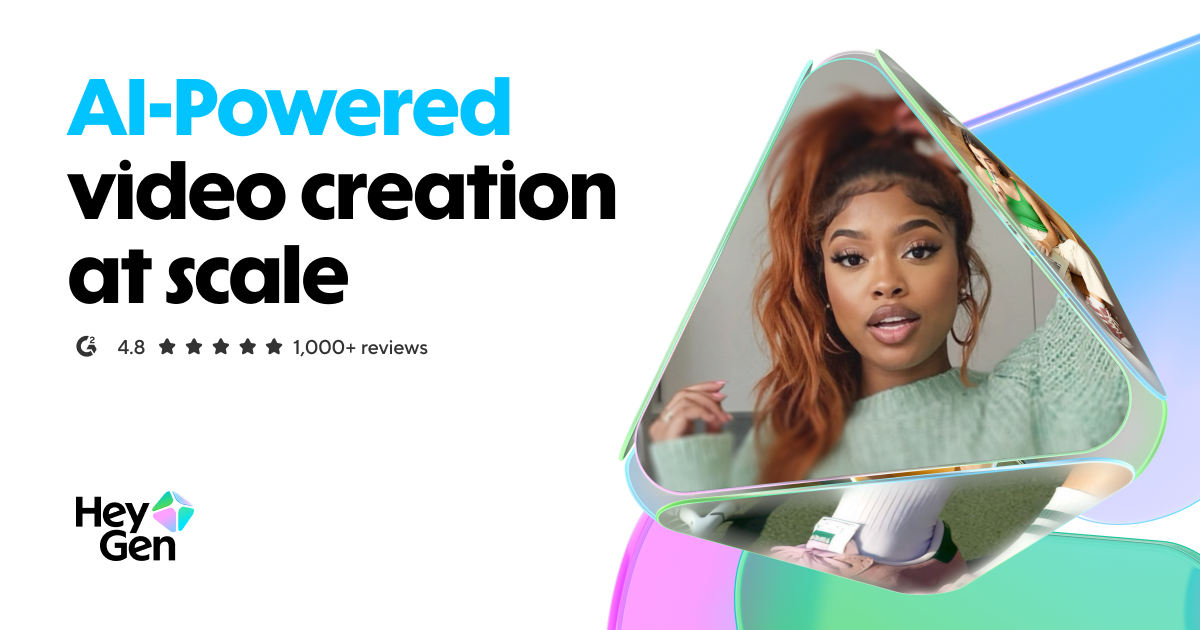
HeyGen
Create AI avatar videos with a digital human presenter, or translate any video into 40+ languages with perfect lip sync.
$29 / mo
-
Sora
Sora by OpenAI generates realistic and imaginative video scenes up to 1 minute from text descriptions, available to ChatGPT Plus and Pro subscribers.
$20 / mo
-
Kling AI
Kling AI by Kuaishou generates up to 3-minute high-quality videos from text or images, with strong motion consistency and realistic physics.
$10 / mo
-
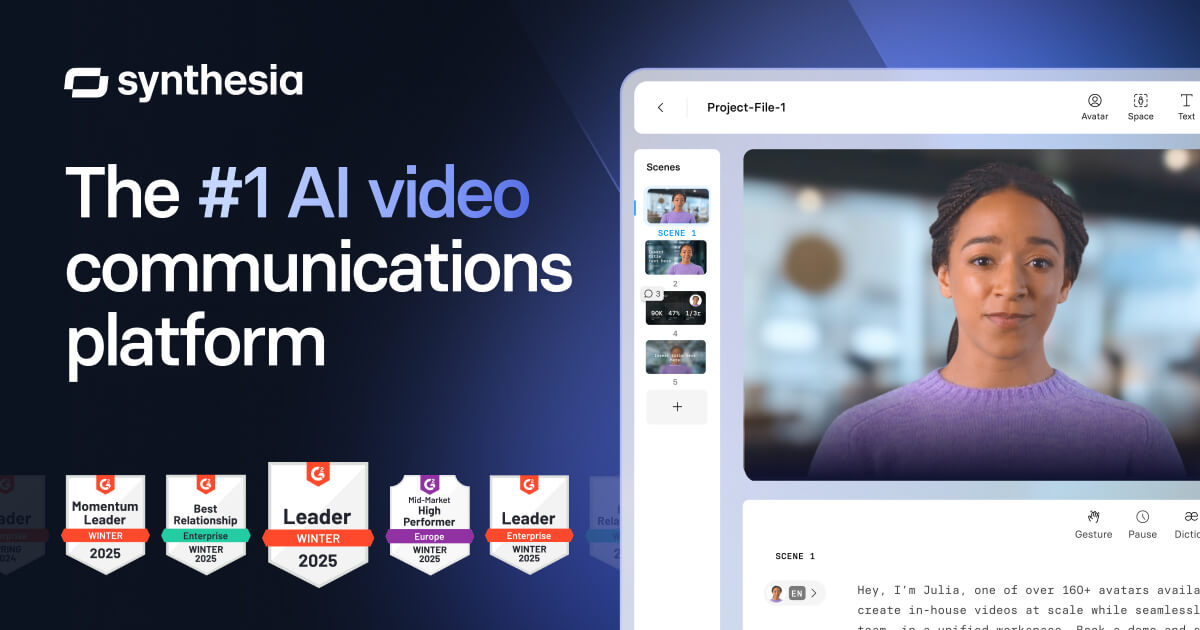
Synthesia
Synthesia generates professional video with AI avatars reading your script. Used by enterprises for training, explainer, and marketing videos in 140+ languages.
$22 / mo