Submagic
Submagic automatically generates animated, emoji-packed captions designed for TikTok, Reels, and Shorts — optimized for watch time and engagement.
At a glance
About Submagic
Submagic is purpose-built for short-form captions. It transcribes your video and adds large animated captions with keyword highlights, emojis, and trendy styles that creators use to boost retention on vertical video. Supports 48 languages.
Key features
- Animated captions
- Emoji highlights
- 48 languages
- Trending styles
- Auto-transcription
Pros
- Best caption styles for short-form
- Very fast
- Good free tier
Cons
- Not suited for long-form video
- Limited editing control
Pricing and free tier
- Pricing model
- Freemium
- Starting price
- $20 / mo
- Free tier
- Yes
- Free tier note
- 3 free videos per month
Best fit
Common use cases
Category fit
Submagic alternatives
Looking for similar tools? See the best Submagic alternatives →
-
Aiko
Aiko is a free Mac and iOS app that transcribes audio and video locally using OpenAI's Whisper model — no internet or subscription required.
Free
-
CapCut
CapCut is a free mobile and desktop video editor with AI-powered features including auto-captions, background removal, and text-to-video.
$8 / mo
-
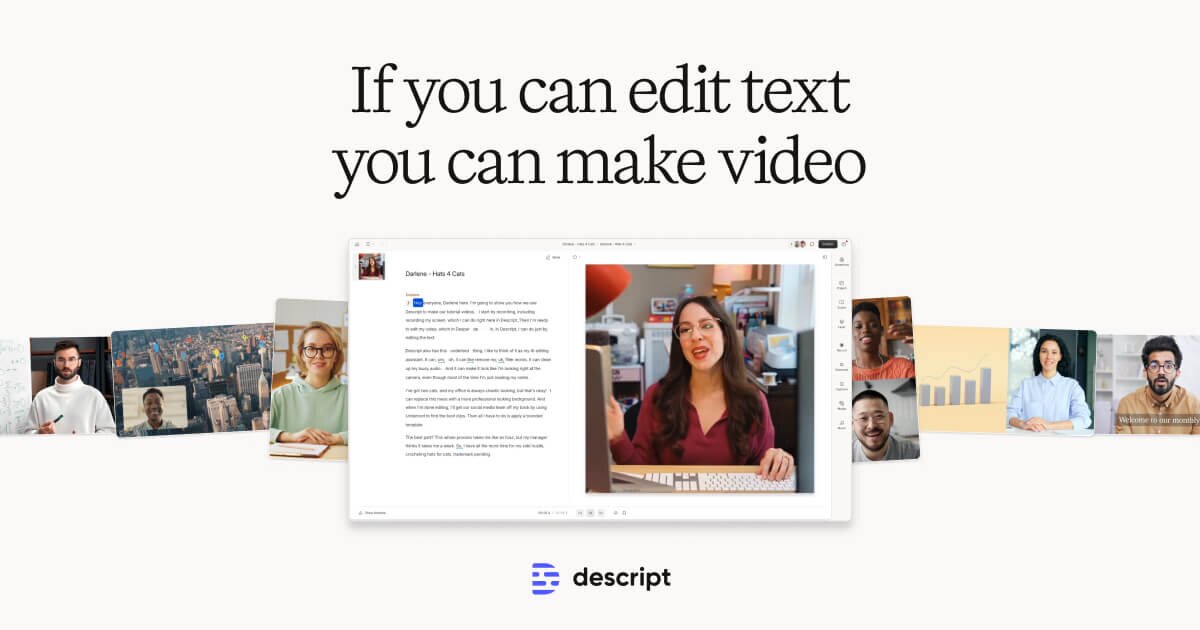
Descript
Descript transcribes your video and lets you edit it like a document — cut, rearrange, and remove filler words just by editing text.
$24 / mo
-
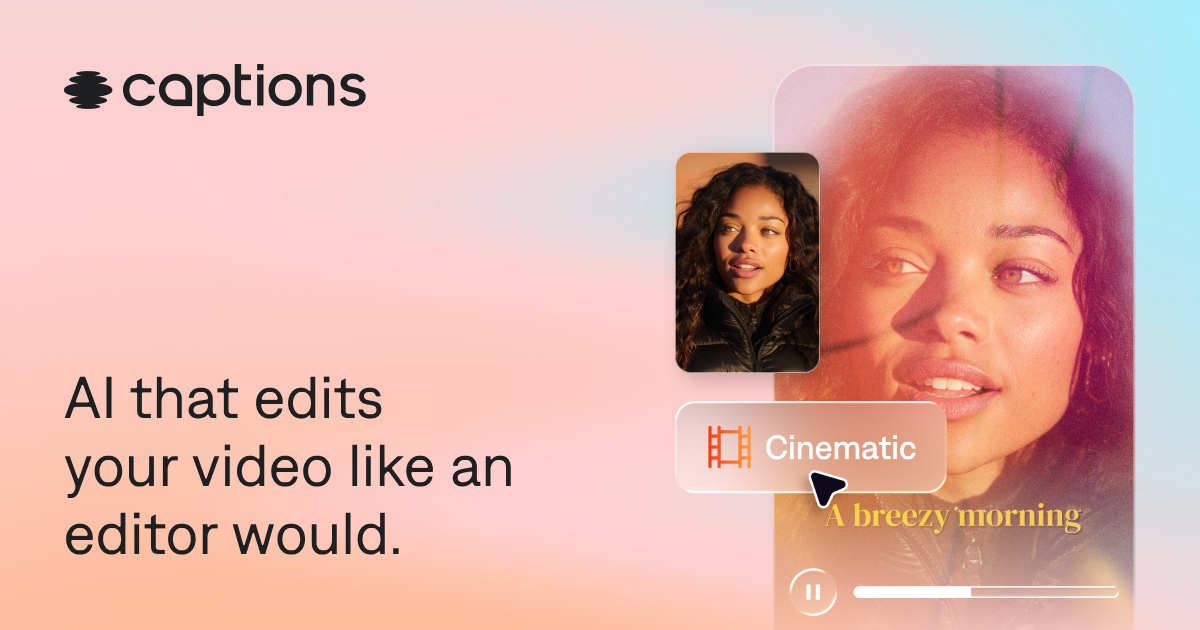
Captions
Captions is a mobile-first AI app that adds captions, cleans up audio, removes filler words, and generates short clips from long videos.
$10 / mo
-

VEED.IO
VEED is a browser-based video editor known for its best-in-class subtitle generator, translation, and teleprompter — no software installation needed.
$18 / mo
-
DeepL Video
DeepL Video translates and dubs videos into 30+ languages with accurate translations and natural-sounding AI voices, preserving the original speaker's tone.
$30 / mo