Gling
Gling analyzes your raw YouTube footage and automatically removes silences, filler words, and bad takes — cutting editing time by 80%.
At a glance
About Gling
Gling is built specifically for YouTube talking-head creators. Upload your raw footage and it detects and cuts silences, 'um's, 'uh's, and restarts automatically. Export the edit to Premiere Pro, DaVinci Resolve, or Final Cut Pro as an XML timeline.
Key features
- Silence removal
- Filler word detection
- XML export (Premiere, FCP, DaVinci)
- Batch processing
- Bad take detection
Pros
- Saves hours on talking-head edits
- NLE export is seamless
- Very accurate detection
Cons
- No free tier
- Only for talking-head style content
Pricing and free tier
- Pricing model
- Paid
- Starting price
- $18 / mo
- Free tier
- Not listed
Best fit
Common use cases
Category fit
Gling alternatives
Looking for similar tools? See the best Gling alternatives →
-
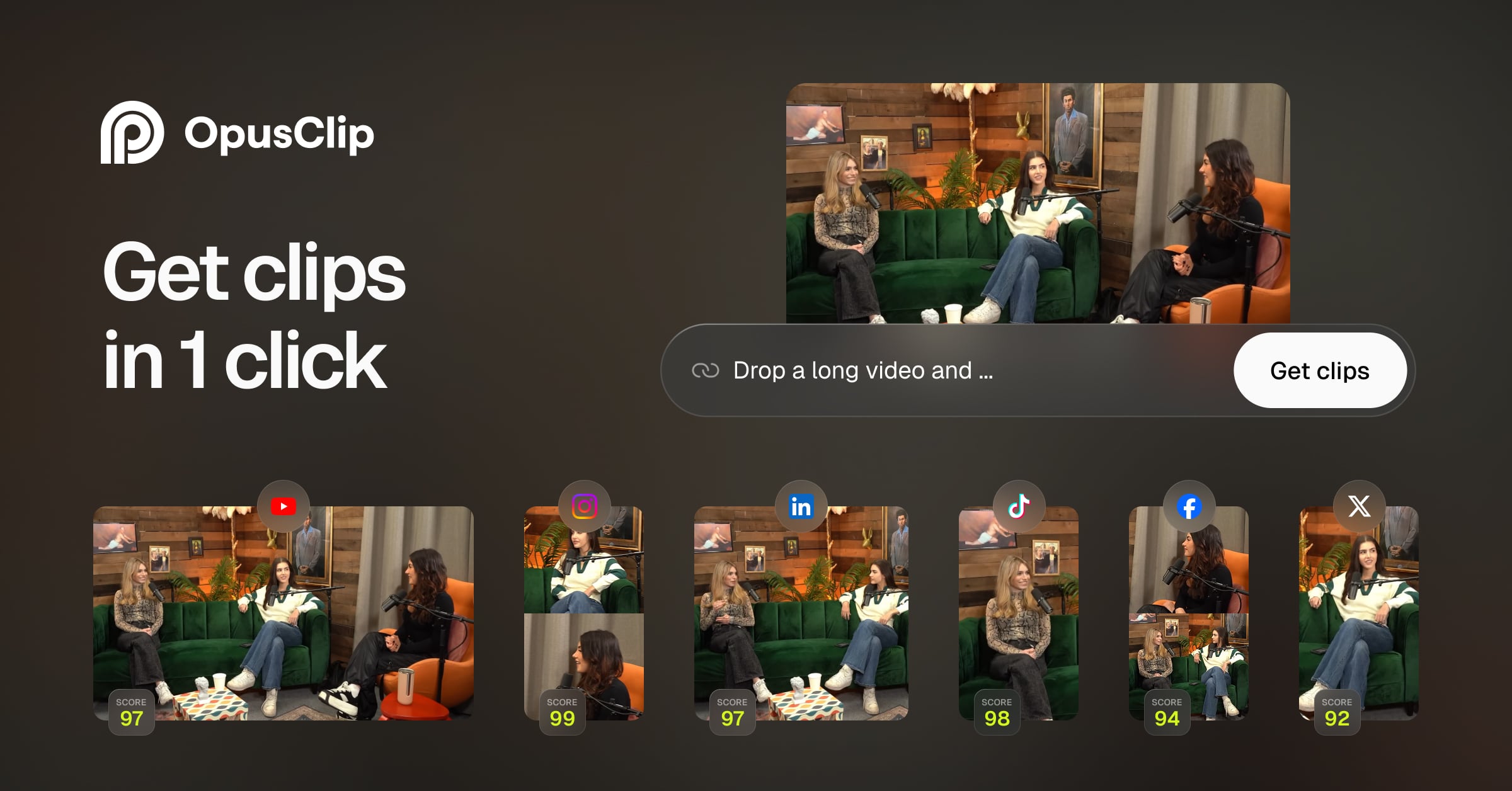
Opus Clip
AI-powered tool that automatically finds the most engaging moments in long videos and repurposes them into short-form clips for TikTok, Reels, and Shorts.
$9 / mo
-
Canva AI
Canva's AI suite includes Magic Design for thumbnails, AI image generation, background removal, and auto-resize for every platform format.
$15 / mo
-
CapCut
CapCut is a free mobile and desktop video editor with AI-powered features including auto-captions, background removal, and text-to-video.
$8 / mo
-
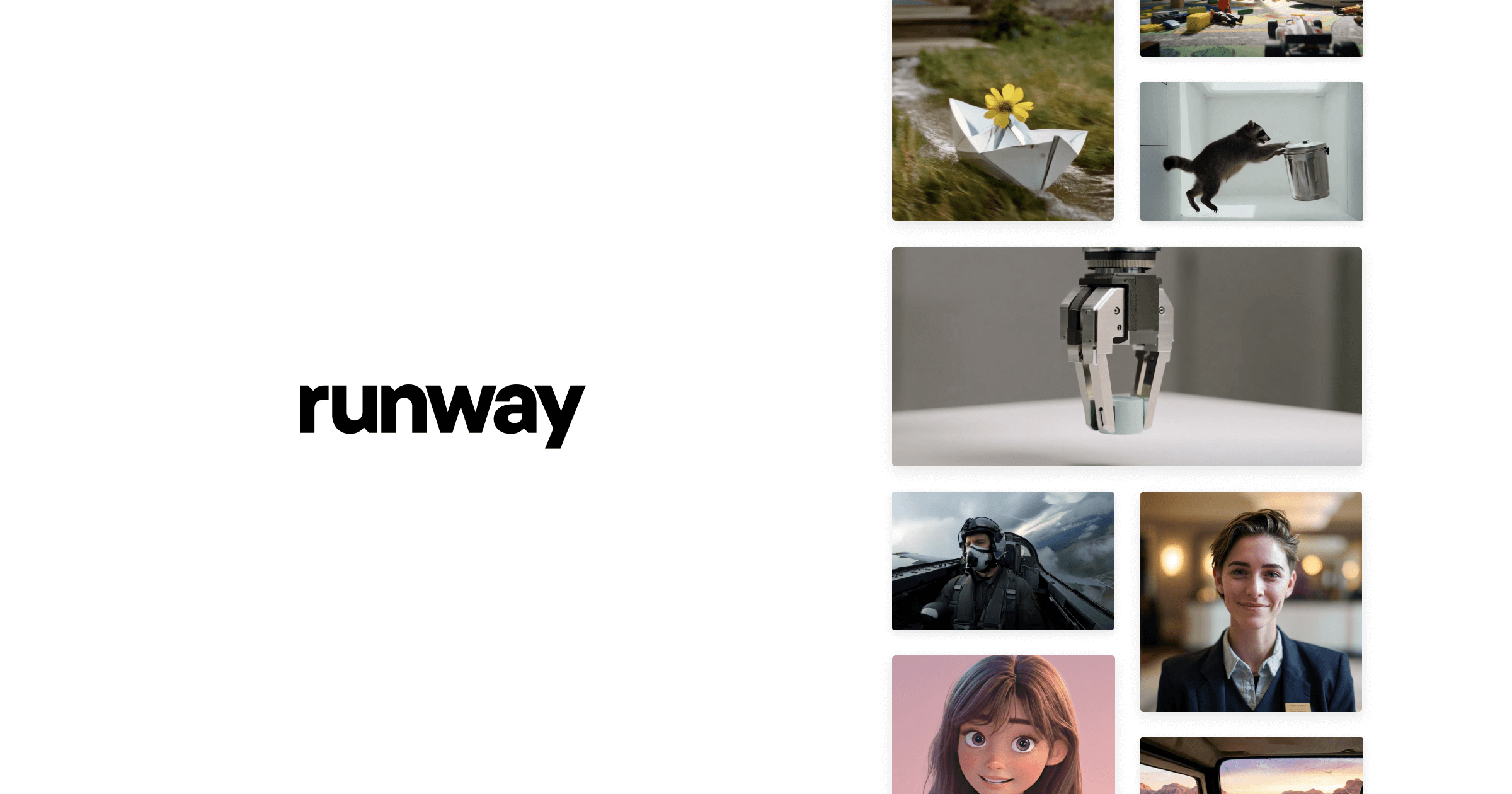
Runway
Runway offers text-to-video, image-to-video, and a full suite of AI video editing tools including background removal, motion tracking, and inpainting.
$15 / mo
-

Topaz Video AI
Topaz Video AI upscales videos up to 16K, removes noise, stabilizes footage, and interpolates frames using local AI models — no subscription required.
$299 / mo
-
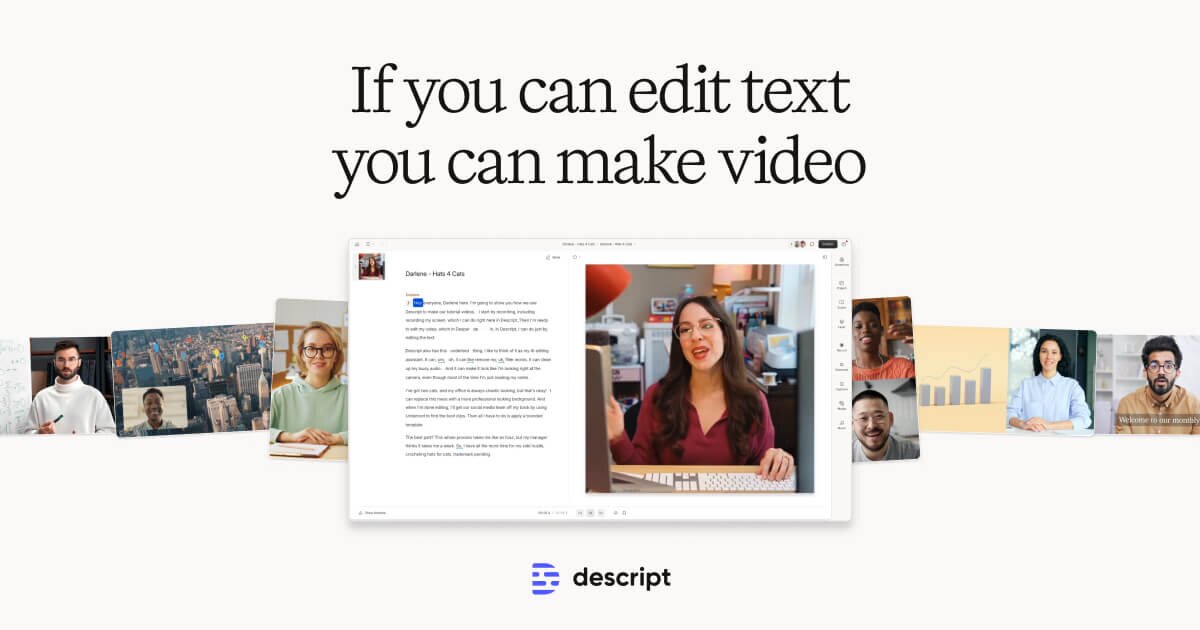
Descript
Descript transcribes your video and lets you edit it like a document — cut, rearrange, and remove filler words just by editing text.
$24 / mo