Repurpose.io
Repurpose.io automatically takes your YouTube, podcast, or live stream content and repurposes it with captions for TikTok, Instagram, LinkedIn, and more.
At a glance
About Repurpose.io
Repurpose.io connects to your content channels and automatically repurposes every piece of content you create. New YouTube video? It auto-generates a captioned clip for TikTok, a square version for Instagram, and an audio file for podcast platforms — all without manual work.
Key features
- Cross-platform auto-publishing
- Auto-captions
- Workflow automation
- Podcast repurposing
- Scheduled posting
Pros
- Fully automated workflow
- Saves hours per week
- Wide platform support
Cons
- No free tier
- Less control over clip selection
Pricing and free tier
- Pricing model
- Paid
- Starting price
- $25 / mo
- Free tier
- Not listed
Best fit
Common use cases
Category fit
Repurpose.io alternatives
Looking for similar tools? See the best Repurpose.io alternatives →
-
CapCut
CapCut is a free mobile and desktop video editor with AI-powered features including auto-captions, background removal, and text-to-video.
$8 / mo
-
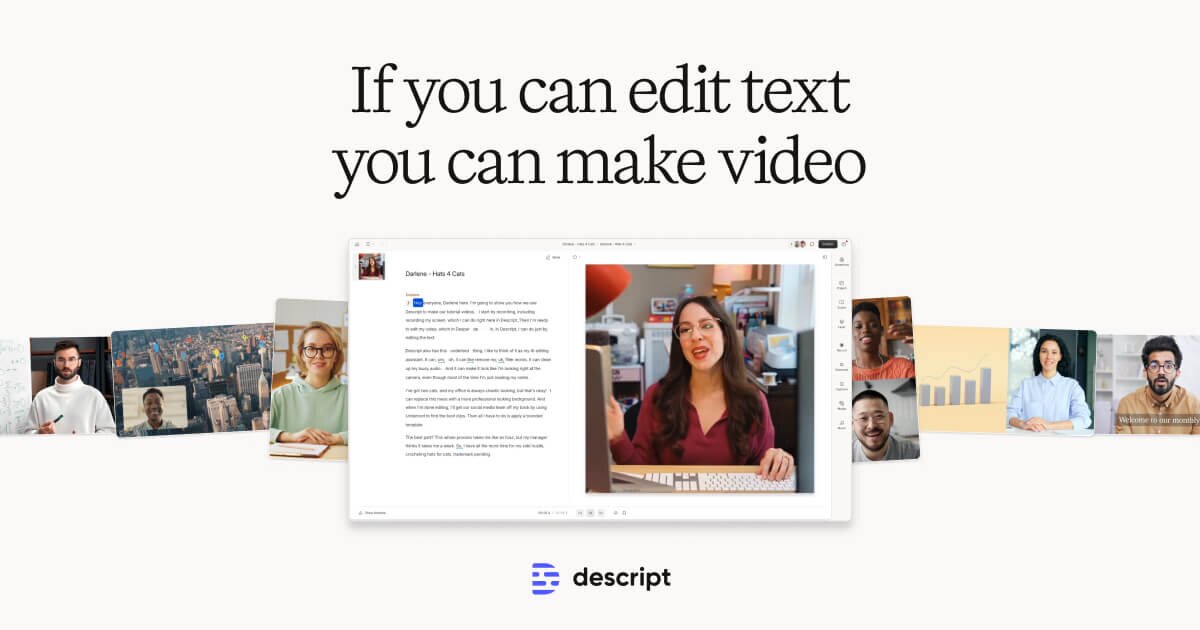
Descript
Descript transcribes your video and lets you edit it like a document — cut, rearrange, and remove filler words just by editing text.
$24 / mo
-
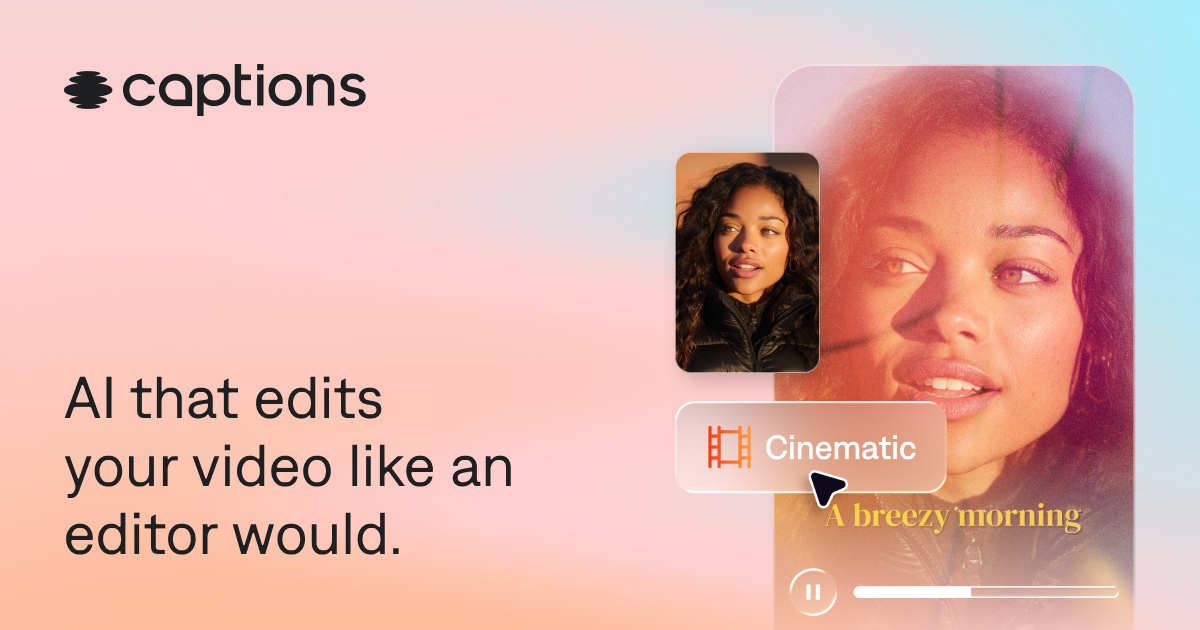
Captions
Captions is a mobile-first AI app that adds captions, cleans up audio, removes filler words, and generates short clips from long videos.
$10 / mo
-

VEED.IO
VEED is a browser-based video editor known for its best-in-class subtitle generator, translation, and teleprompter — no software installation needed.
$18 / mo
-

Filmora AI
Filmora is a consumer video editor with built-in AI tools including background removal, auto-reframe, silence detection, AI portraits, and a script-to-video feature.
$10 / mo
-
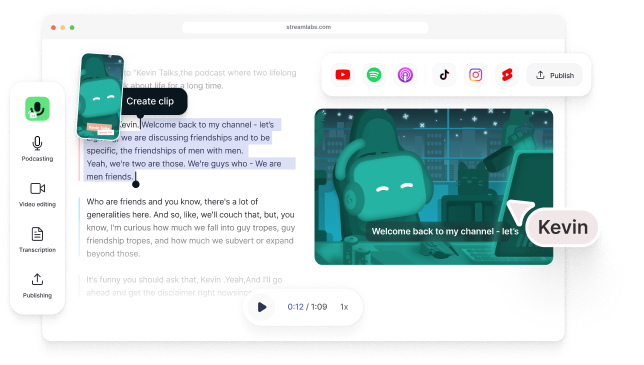
Type Studio
Type Studio transcribes your video podcast and lets you edit it by deleting words from the transcript — cuts update the video in real time.
$18 / mo