Filmora AI
Filmora is a consumer video editor with built-in AI tools including background removal, auto-reframe, silence detection, AI portraits, and a script-to-video feature.
At a glance
About Filmora AI
Wondershare Filmora is one of the most popular video editors for YouTube creators who want more control than CapCut but less complexity than Premiere Pro. Its AI suite includes motion tracking, scene detection, auto-captions, and AI-generated B-roll.
Key features
- AI background removal
- Auto-reframe
- Silence detection
- Auto-captions
- AI B-roll generation
Pros
- Good balance of power and ease
- Affordable annual plan
- Large effects library
Cons
- Watermark on free version
- AI features hit-or-miss
Pricing and free tier
- Pricing model
- Freemium
- Starting price
- $10 / mo
- Free tier
- Yes
- Free tier note
- Full features free with watermark
Best fit
Common use cases
Category fit
Filmora AI alternatives
Looking for similar tools? See the best Filmora AI alternatives →
-

CapCut
CapCut is a free mobile and desktop video editor with AI-powered features including auto-captions, background removal, and text-to-video.
$8 / mo
-
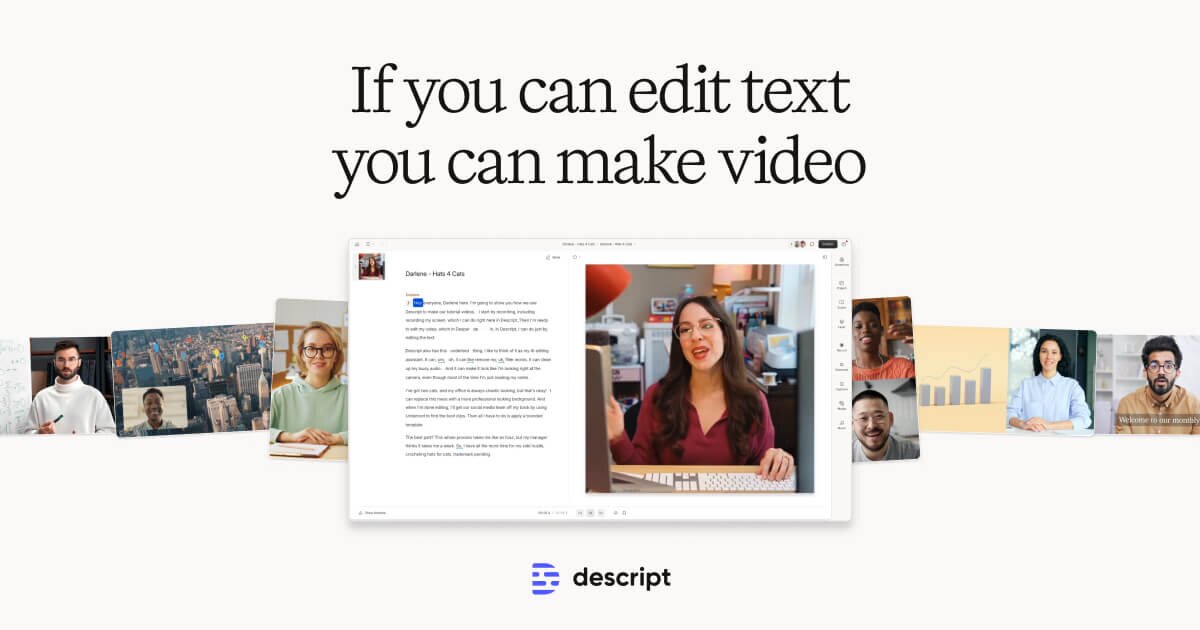
Descript
Descript transcribes your video and lets you edit it like a document — cut, rearrange, and remove filler words just by editing text.
$24 / mo
-
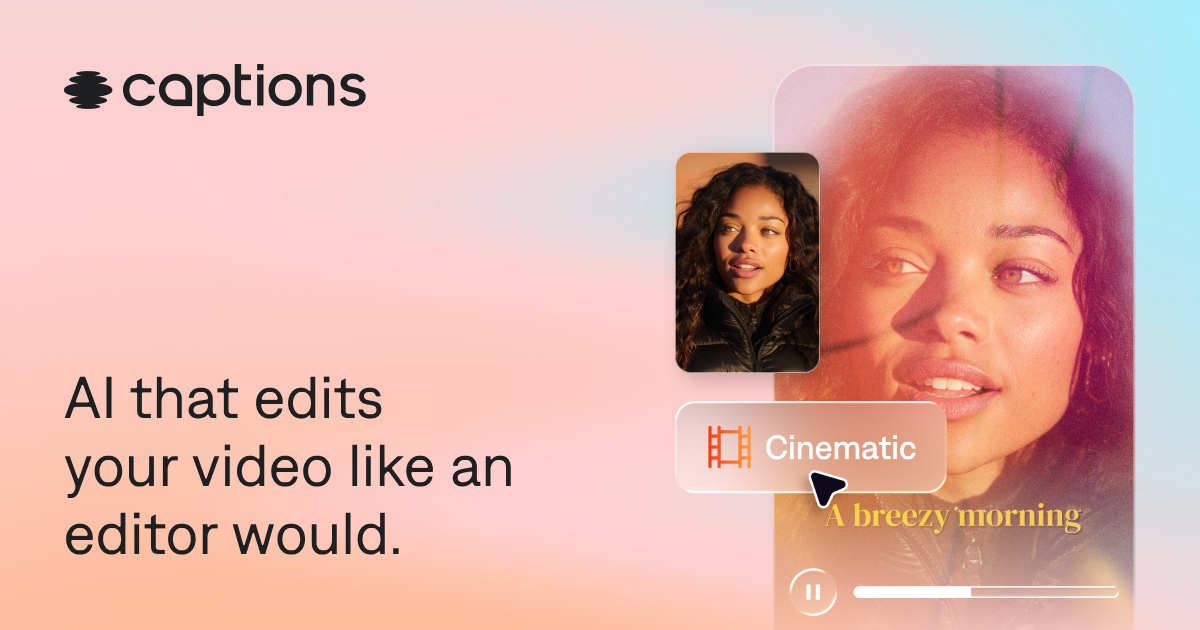
Captions
Captions is a mobile-first AI app that adds captions, cleans up audio, removes filler words, and generates short clips from long videos.
$10 / mo
-

VEED.IO
VEED is a browser-based video editor known for its best-in-class subtitle generator, translation, and teleprompter — no software installation needed.
$18 / mo
-
Repurpose.io
Repurpose.io automatically takes your YouTube, podcast, or live stream content and repurposes it with captions for TikTok, Instagram, LinkedIn, and more.
$25 / mo
-
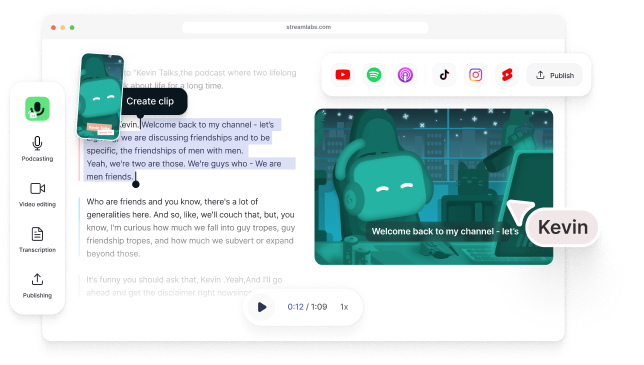
Type Studio
Type Studio transcribes your video podcast and lets you edit it by deleting words from the transcript — cuts update the video in real time.
$18 / mo